
Discover & Explore Resources
Never use campus passwords to sign up for 3rd-party tools and always read the terms of use. Read more.
Apply Filters
-
DLFteach Toolkit (Volume 2): Lesson Plans on Immersive Technology
The DLF Digital Library Pedagogy group (aka #DLFteach) is a grassroots community of practice within the Digital Library Federation that empowers digital library practitioners to see themselves as teachers and equip them to engage learners in how digital library technologies shape knowledge infrastructures. This resource is a great guide for educators working with Extended Reality…
-

XR Access: Virtual, Augmented, & Mixed Reality for People with Disabilities
XR Access is a research consortium dedicated to fostering and leading a community that prioritizes creating, sharing, and learning about XR and accessibility endeavors. Their mission is to adapt current technologies and envision future technologies that put accessibility first while sharing informative resources to bring awareness to the lack of accessibility in the XR field.…
-

Crash Course: Artificial Intelligence (YouTube Playlist)
Crash Course is a YouTube channel dedicated to educational videos. This playlist covers a range of topics related to Artificial Intelligence (AI) in a simple-to-understand format for beginners. All videos are between 10 and 20 minutes long. Crash Course: Artificial Intelligence (YouTube Playlist)
-

Harvard University edX: Introduction to Artificial Intelligence with Python (CS50)
This is a 7-week-long free, self-paced course offered through edX and Harvard University on Artificial Intelligence (AI). Once the course is finished, it will be archived for viewing. “CS50’s Introduction to Artificial Intelligence with Python explores the concepts and algorithms at the foundation of modern artificial intelligence, diving into the ideas that give rise to…
-
Artificial Intelligence for Robots (Udacity Course)
Artificial Intelligence for Robotics is a free, self-paced course (approximately 2 months) offered through Udacity. It is recommended that you have some knowledge of Python or programming in general before you take this course. Artificial Intelligence for Robots (Udacity Course)
-

Free Artificial Intelligence (AI) Educational Resources
This is an article that details some free Artificial Intelligence (AI) Educational Resources from the site Medium. These educational resources include online courses, in-person courses, books, and videos. All are completely free and designed by leading professors, researchers, and industry professionals. Free Artificial Intelligence (AI) Educational Resources
-

OpenCV
OpenCV focuses on generative Artificial Intelligence (AI) and serves as a library of programming functions for real-time computer vision capabilities. It can be used for a variety of functions, such as facial recognition, gesture recognition, and object detection. OpenCV
-
Kizoa
Looking for a video-editing software for school projects and other academic purposes? Kizoa is just what you need. Enhance the learning experience in your school or university by creating engaging academic tutorials and liberating students’ full potential through creative video editing. Kizoa
-
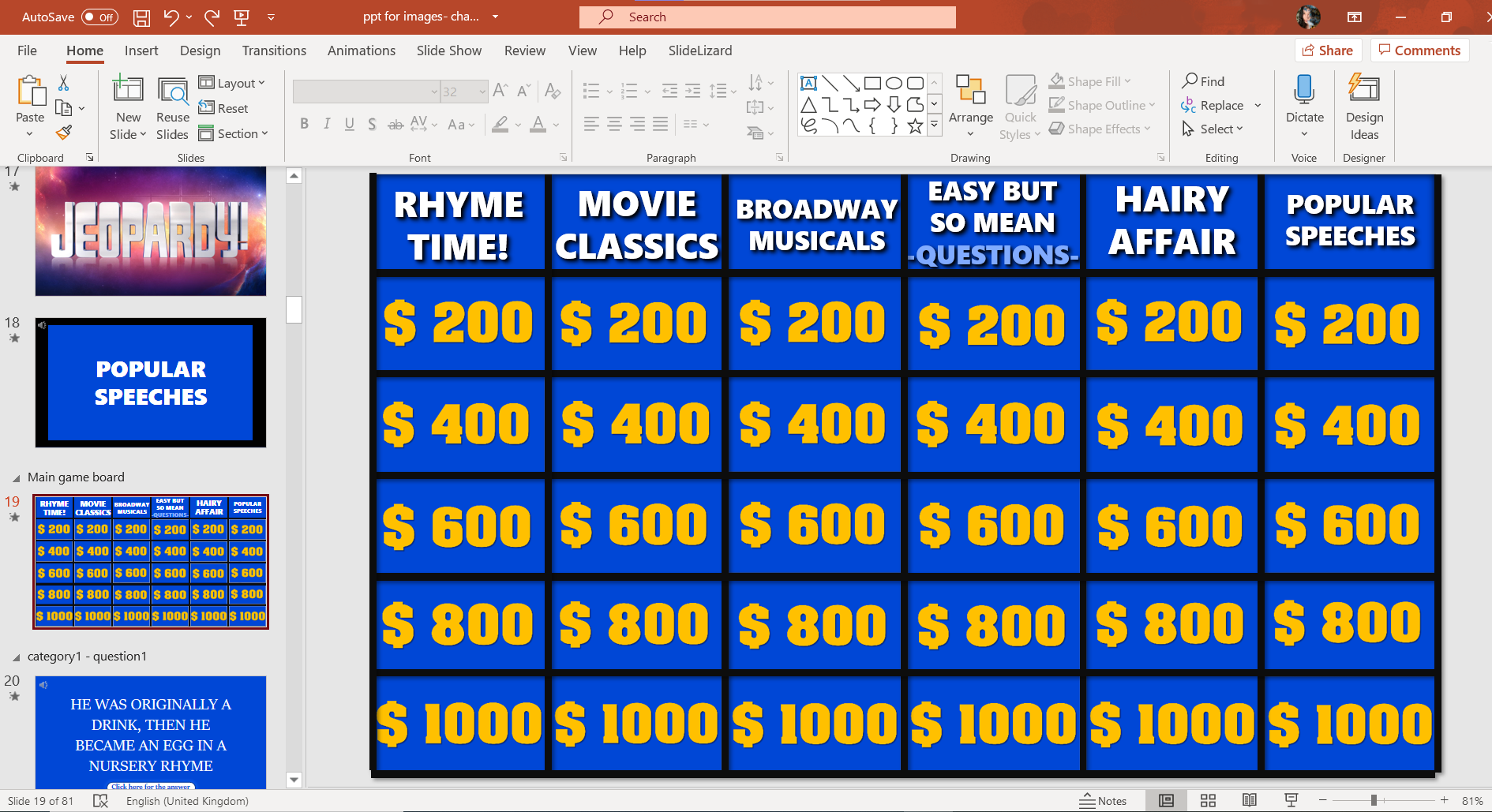
Jeopardy! PowerPoint Template
Jeopardy! The popular game is loved by young and old and even after many years, it’s still the number one quiz show for fun TV nights with family and friends. Don’t we all love to guess answers and debate how we would handle being in this show? Wouldn’t it be awesome to finally feel like…
-

Versal
Versal is a ‘daily learning platform’ with a holistic approach with educators as the target audience, Versal provides an online space for easy presentation of lecture materials with integrated interactive assignments. Versal makes online learning simple enough for anyone to deploy. Blend classroom lectures with interactive assignments, make distance learning more effective, Versal
EmTechWIKI only improves with your help.
Rate resources by clicking the up or down arrows when viewing an item’s page, no login needed.
Create an account and log in to contribute new resources to the WIKI. Learn more.